

 nm-admin
 Screencast:
How to Upgrade Active Directory to Windows Server 2012, is available here
Windows Server 2008 introduces many improvements, and new features in the Active Directory infrastructure. Some of the most important features are:
– Flexible Password Policies
– Active Directory Auditing
– Read Only Domain Controllers RODC
In series of screencasts, we will demonstrate in a Step-by-Step fashion these new features.
In this screencast, we show you how to upgrade Active Directory domain to Windows Server 2008 AD DS by adding a new Windows Server 2008 Domain Controller.
– You can introduce your first Windows Server 2008 Domain Controller in Active Directory, by performing an in-place upgrade of an existing Windows 2003/2000 DC
– You can add a fresh installed Windows 2008 member server, and promote it as a DC.
There are a couple of very important considerations, that you should have in mind, before you proceed with your migration scenario.
â— First, make sure that your Active Directory is healthy, and you have a perfect replication between the existing Domain Controllers. Using NetDiag, DCDiag, Repadmin from Windows Support tools could help you in this task. It is a very wrong approach to expect, that an in-place upgrade will solve your existing Active Directory problems.
â— Second, you should have a good backup of your Domain Controllers, including the system state. If you have more than one DC (which is necessary) – backup all of them, or at least two DC.
â— Check, whether you cover the hardware requirements.
â— Check, and raise, if necessary, the Domain and Forest functional levels. You cannot upgrade directly from Windows 2000 mixed, or Windows Server 2003 interim domain functional levels.
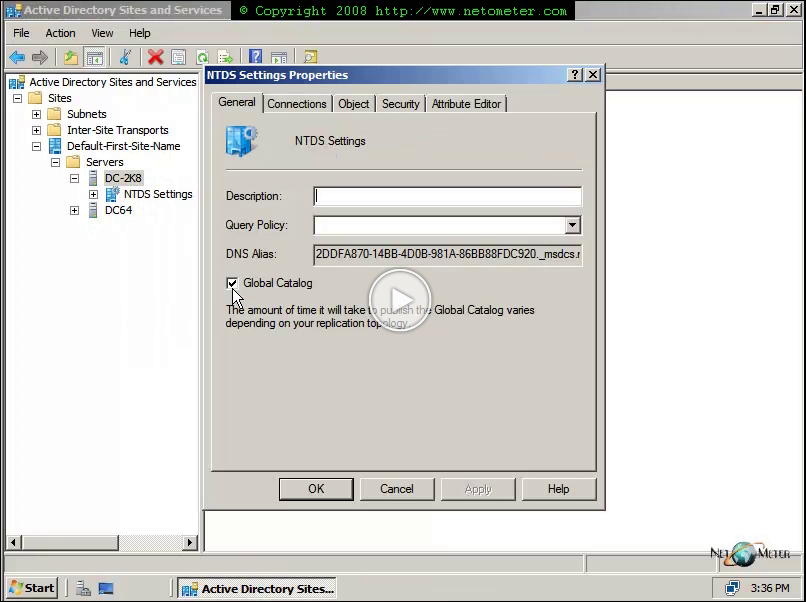
â— The first Windows Server 2008 Domain Controller in the forest must be a Global Catalog Server, and it cannot be a Read Only Domain Controller, RODC.
â— Check the FSMO roles assignments. When you prepare the existing AD, you should run adprep /forestprep on the Schema operations master, and adprep /domainprep /gpprep on the infrastructure master.
In the following screencast, we demonstrate an upgrade of Windows 2003 Domain, by adding a new Windows Server 2008 Domain Controller.
If you are planning to perform an in-place upgrade of an existing Windows 2003 Domain Controller, then you could take a look at the following screencast:
Screencast – How to Upgrade Active Directory Domain to Windows Server 2008 AD DS Domain, In-Place 2003 DC Upgrade
If you intend to start from scratch, and create a new Windows 2008 domain, then you might find the following screencast helpful:
Screencast – How to Install a Windows 2008 Server Forest – Adding AD Domain Services Role