

 nm-admin
 There are cases, when you need to configure a Smart Host for your e-mail server. A typical example is the situation, when your ISP blocks outbound connections on TCP port 25. Another, very common case is when you are using an IP address which belongs to a range of Dynamic IP addresses. It is a common practice to drop smtp connections or discard e-mail messages sent from a dynamic IP address.
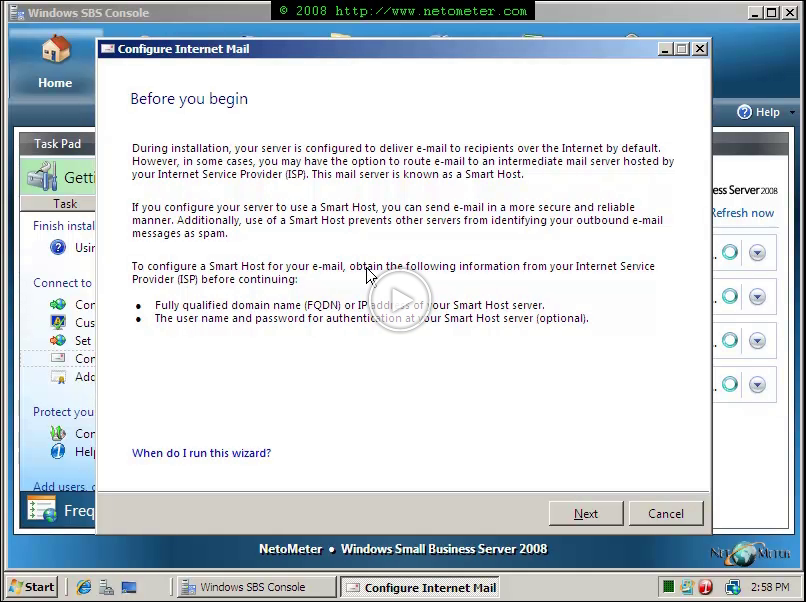
The chances for a small business to be in such a situation and to need a Smart Host are high. That’s why one of the important and useful wizards in SBS 2008, Getting Started tasks, is Configure Smart Host for Internet e-mail.
In the following screencast, you will see how to configure a Smart Host in Small Business Server 2008.
Note: If you need to change the SmartHost port – check this Screencast