

 nm-admin
 Installing Active Directory Domain Services Role on a Server Core installation of a Windows Server 2008, requires running the dcpromo command in conjunction with a number of switches/parameters.
As you don’t have the Graphical User Interface for the DCPROMO wizard in Server Core installation, you will have to provide the settings for the DC promotion as parameters.
Another, more comfortable option is, to provide the answers in unattend file (for example unattend.txt), and run DCPROMO using this file.
A third option (and the easiest one) is, to use the GUI for Core Server Configuration, written by Guy Teverovsky – Core Server Configurator . The last version supports running DCPROMO, or you can use it to just generate the unattend.txt file.
If you haven’t configured your server core yet, you will find the following screencast useful :
Initial Configuration Of Windows Server 2008 Core Installation . It shows you how to perform the initial configuration of a Server Core, and join an existing domain.
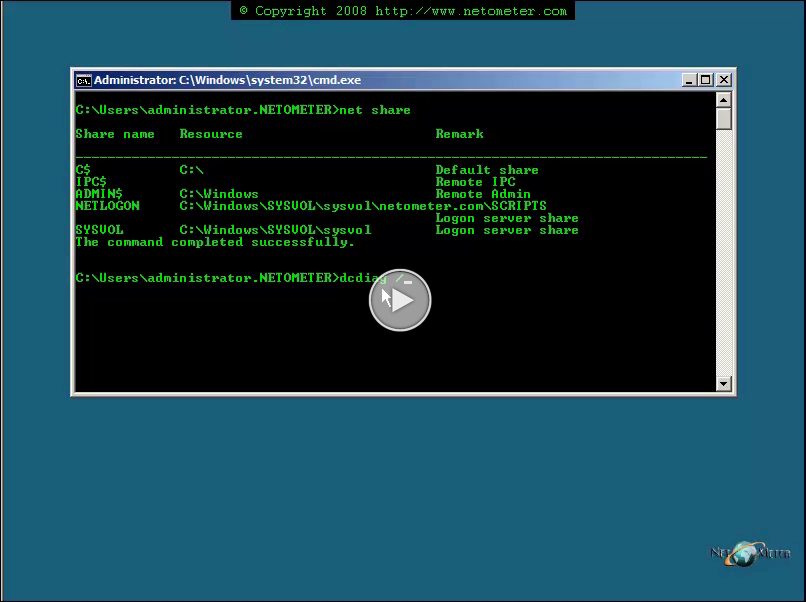
In the following screencast, you will see how to promote a Server Core as a DC, and how to check the result of DCPROMO.