
Screencasts / Exchange 2003 / OWA Redirect


When you are using the default OWA configuration you have to specify the "exchange" virtual directory in order to check your email. The URL looks like this: "https://mail.mydomain.com/exchange".
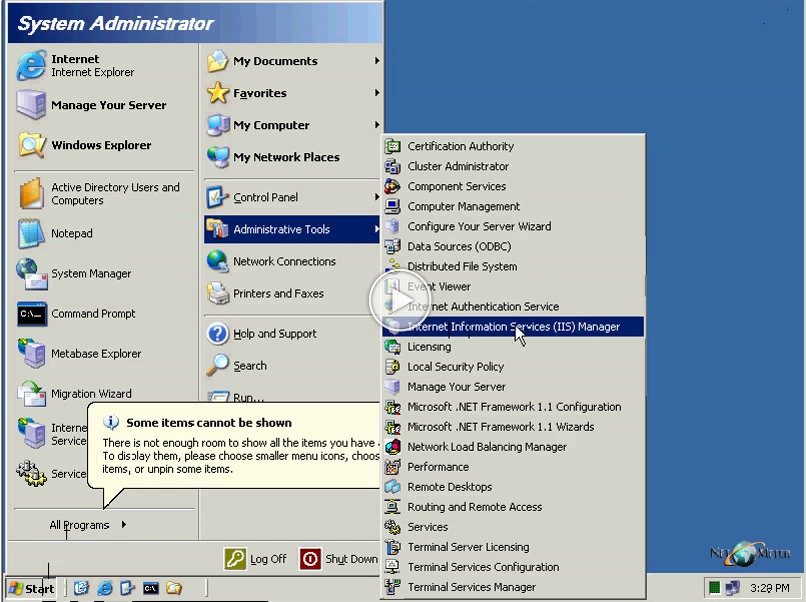
The following screencast demonstrates how to use the main URL: "https://mail.mydomain.com" by configuring a redirection to a URL.

New: How to Configure OWA as the Default Web Page in IIS7, Exchange Server 2007

         Click here to login. Not yet registered - click here to register


  • Testimonials:
  • "Thank you very much. Your Exchange 2010 Sp1 series is superb. I just rollout xch2010 sp1 from a xch2003 scenario. Followed each of your steps and had no issues whatsoever. My company really appreciates your web site. Thank You."
                                              A. Mejiacorder ...more...

                Security Verified Seal Privacy Seal Business Verified Trust Guard Certified
Copyright © 2012 NetoMeter All rights reserved | Privacy policy | Contact Us: 1.800.681.7309    1.888.452.2249 Site Meter