

 nm-admin
65
Note: The Screencast about the free Microsoft Hyper-V Server 2008 is available here
We have already demonstrated how to install and manage Hyper-V on a full installation of Windows Server 2008.
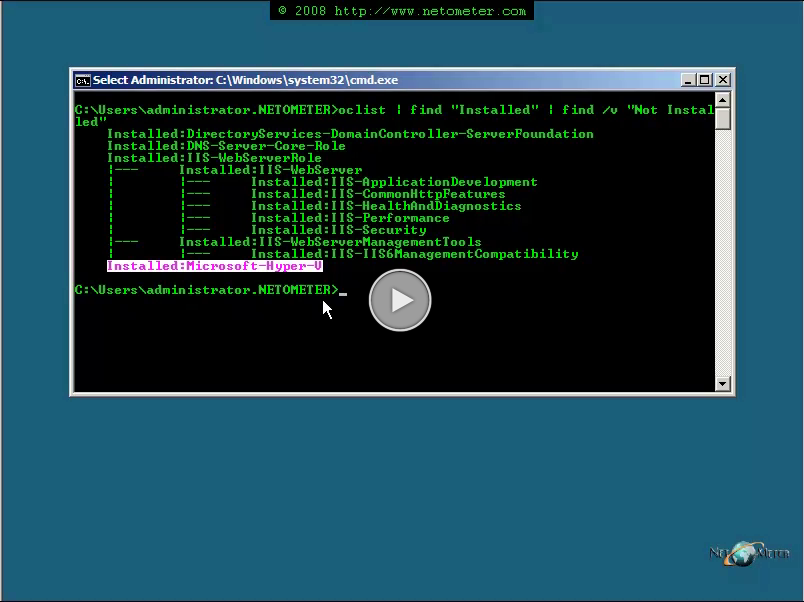
In the following Screencast, we will demonstrate how to check whether Hyper-V is successfully installed on Server Core, and how to manage it from Windows Vista.
We will be installing the “Hyper-V Remote Management Update for Windows Vista – KB952627â€. Note, that it requires SP1 for Windows Vista. Also, there is a different update file for the 32 bit and 64 bit version of the operating system – Download the corresponding file for your OS.