

 nm-admin
61
After installing and configuring your Small Business Server 2008, you have to add users and assign permissions and computers to them.
Using the new Wizard in Getting Started Tasks makes this process extremely friendly and straightforward.
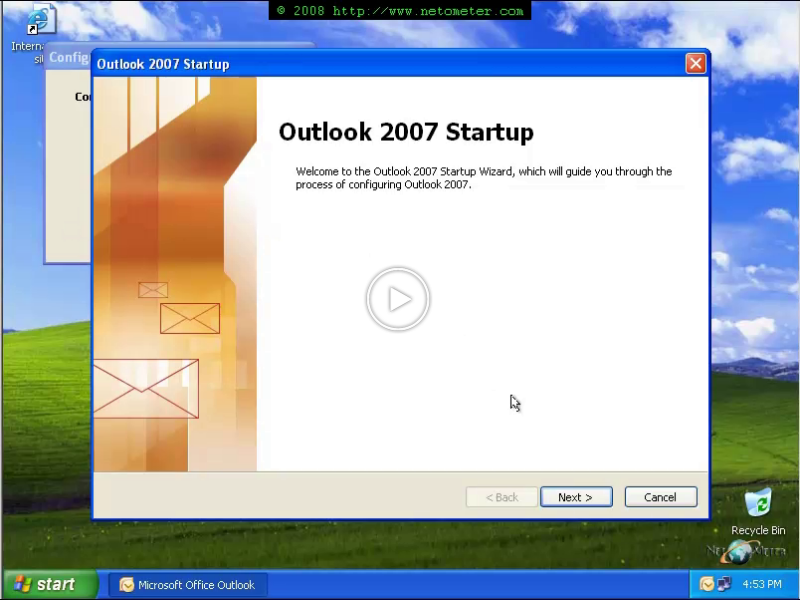
In the following Screencast, you will see a demonstration of adding a user account, and the initial tasks which the user performs after his/her initial login to the assigned computer.